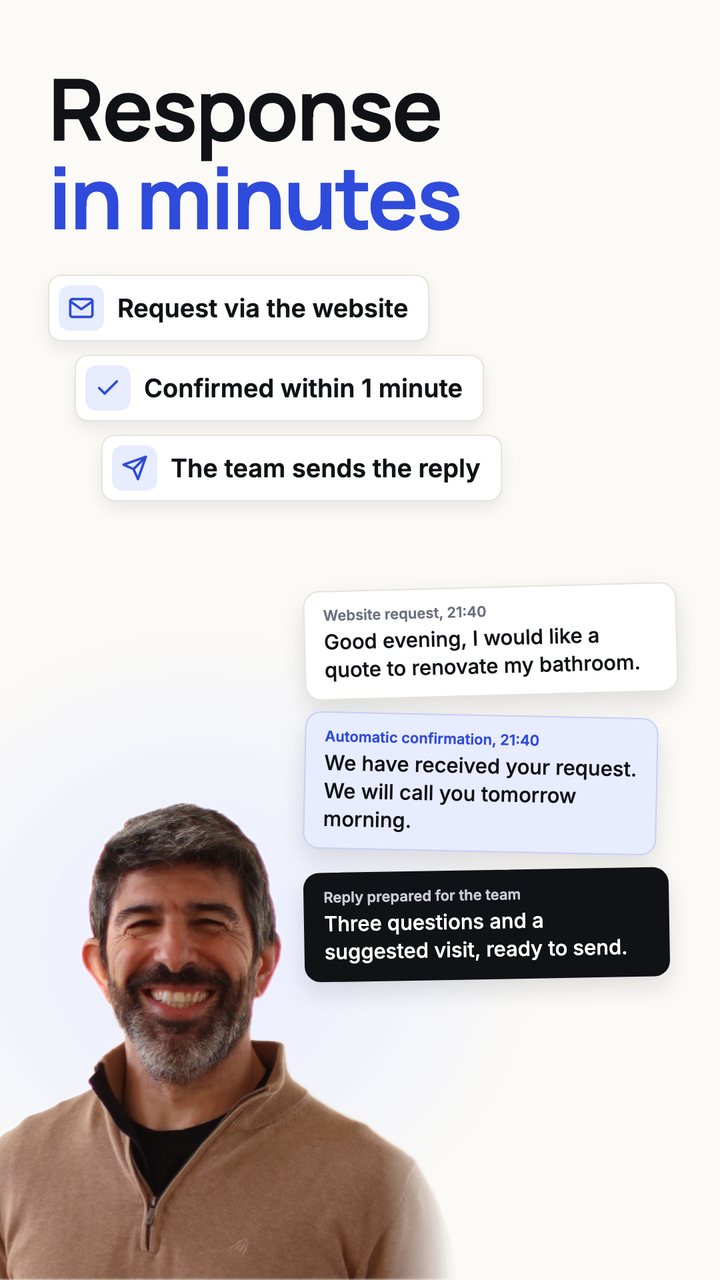
Response in minutes
A request from the website gets an instant confirmation, and the reply, with the right questions and a suggested visit, is prepared for the team to send.
25 examples of what a small business can hand over to automation and AI. The videos use the case of a building and renovation company, and the same logic works for any SME. In each one, AI confirms, reminds and prepares, and the person who talks to customers is always someone from the company.
Each video lasts about 40 seconds, and they are grouped by area. Names, figures and messages are fictitious.
A request from the website gets an instant confirmation, and the reply, with the right questions and a suggested visit, is prepared for the team to send.

Anyone who calls during a job gets a message straight away saying when they will be called back, and the call goes on the team's list.

The team suggests times with the calendar in front of them. Reminders go out the day before and 3 hours before, by WhatsApp and email, and if the customer replies, the reply goes to the team.

Requests from the website, WhatsApp, Facebook and quote portals land in a single list, and each one is confirmed straight away.

Voicemails and WhatsApp voice notes reach the team transcribed and summarised, with the contact and the request.

A customer's consecutive messages are merged into one question, and the reply is prepared from the company's catalogue, prices and FAQs, for someone on the team to send with one click.

A voice note and a few photos taken at the visit become a draft quote, using the company's price list.

After 3 and 7 days, a message asking about the decision goes out, once approved.
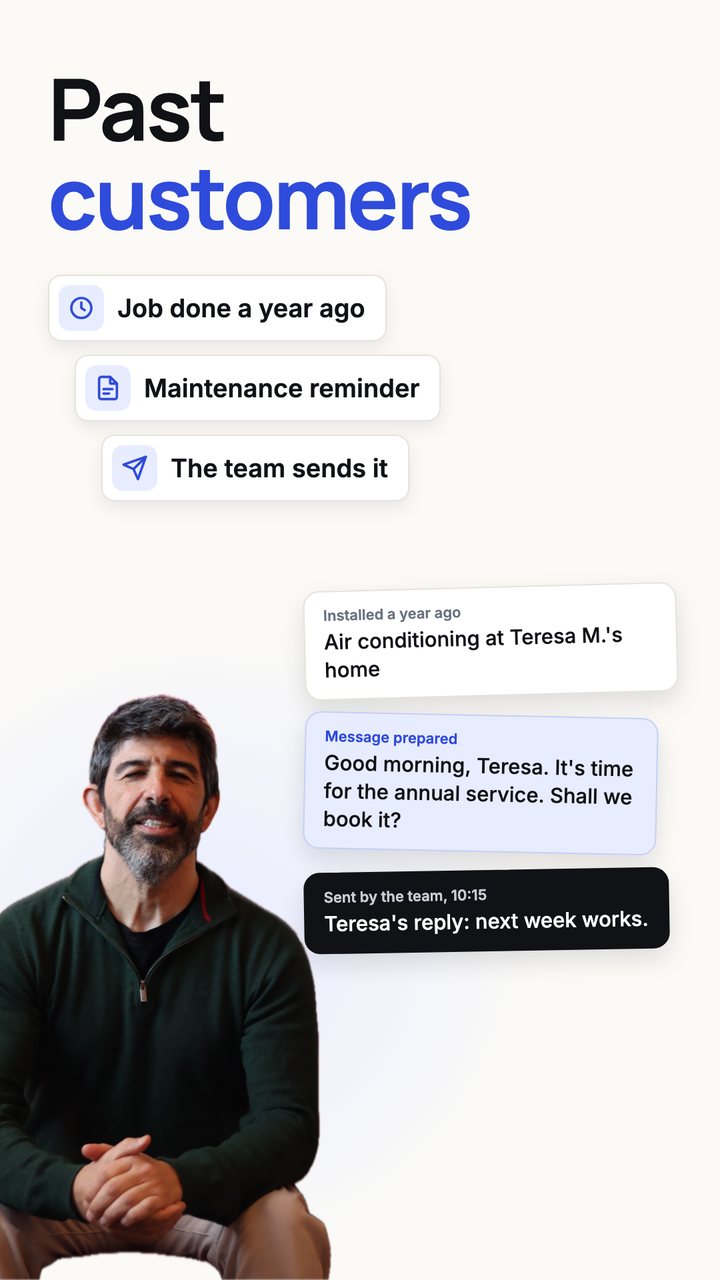
The maintenance message for customers whose job was done one or two years ago is prepared, and someone on the team sends it.

When a job ends, the review request is prepared with the right link, for someone on the team to send.

Every new Google review is read and a reply is prepared. A negative review alerts the person in charge straight away, and nothing is published until someone on the team approves it.

For companies that sell to other businesses: a list by sector and area, with each website checked and the right email address, and the first email prepared for someone on the team to review and send. Businesses that refuse marketing are left out.

Invoices that arrive by email are read, recorded and filed in the job folder.

Polite reminders for unpaid invoices, approved before they go out.

At the end of the month, invoices and receipts go to the accountant together.

Turnover, expenses, quarterly VAT, top customers and what is due in and out, read from the invoices and in a single view.

Materials, hours and invoices for each job added up, to know what was left.
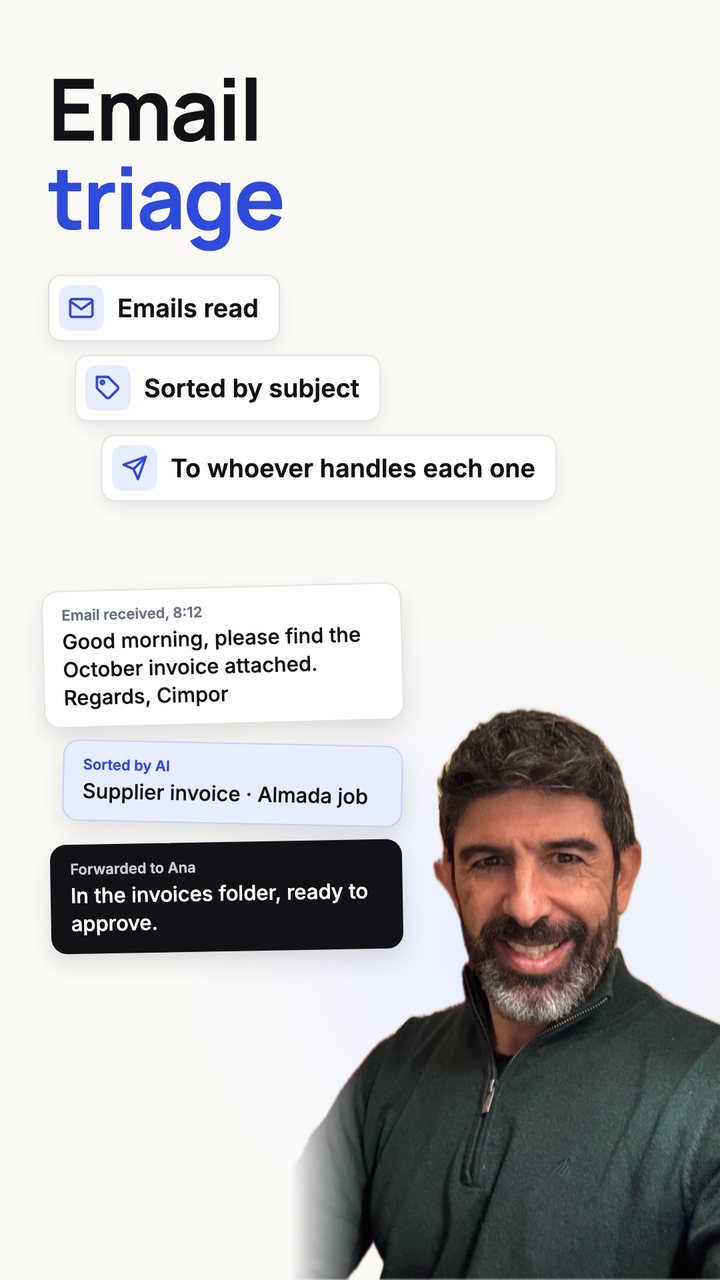
Emails are read, sorted and forwarded to whoever handles each matter.

Photos, progress reports, plans and invoices filed in the right job folder.

An alert before licences, insurance, certificates and warranties expire.
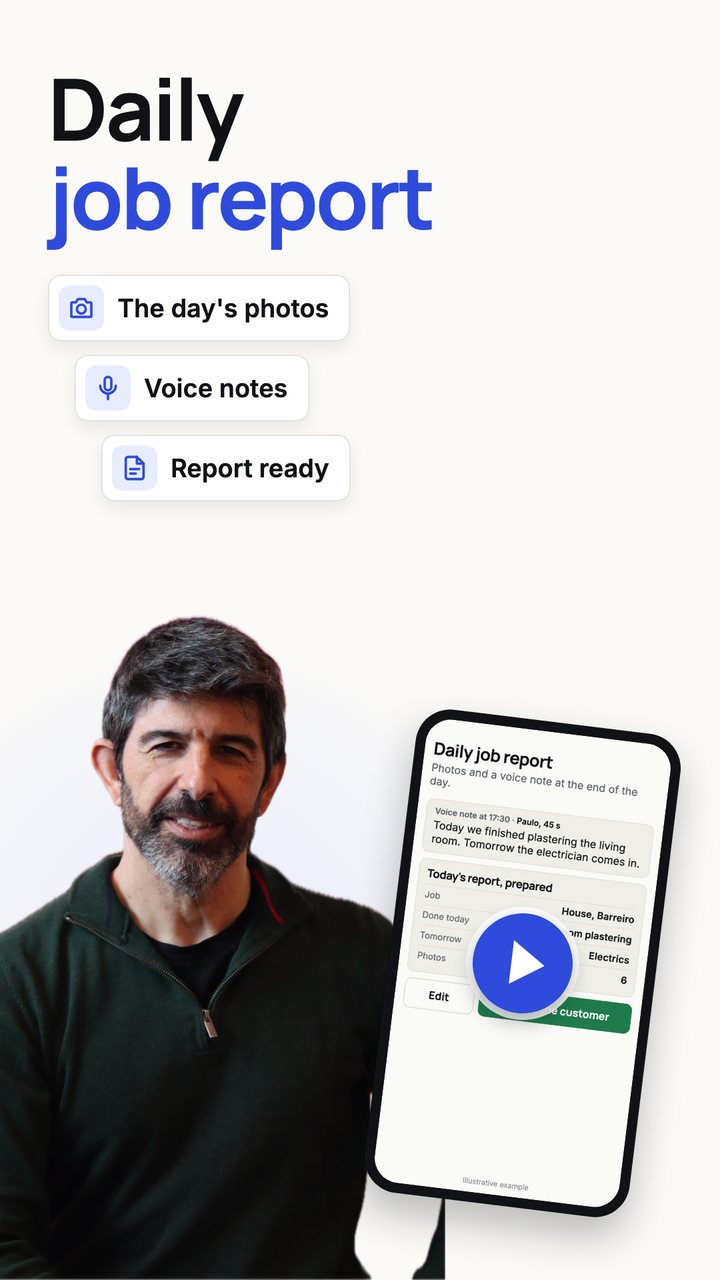
The day's photos and voice notes become the job report.

Order confirmations and delivery dates are read, and the message to the customer with the installation date is prepared.
Systems designed around the company's own processes: the CRM and the ERP bring several of these tasks together, and the assistant answers the team using the company's own documents.

Every customer with their status: request, visit, quote, job and invoice, with reminders for the team.

Every piece of data entered once, by connecting the ERP the company already uses or implementing a new one.

The team asks, for example, how much the last bathroom cost, and gets the answer along with the document it came from: price lists, data sheets, contracts and past quotes. It is for internal use only.
AI-supported automation is changing all the time, and the opportunities for small businesses grow with it.
The examples on this page are automations we are already implementing or that our market research shows to be among the most requested. In the call, we start from them to find the ones that make sense for your business.
Which task would you like to stop doing by hand? If it makes sense, we can talk for 30 minutes, free of charge.
Request a call